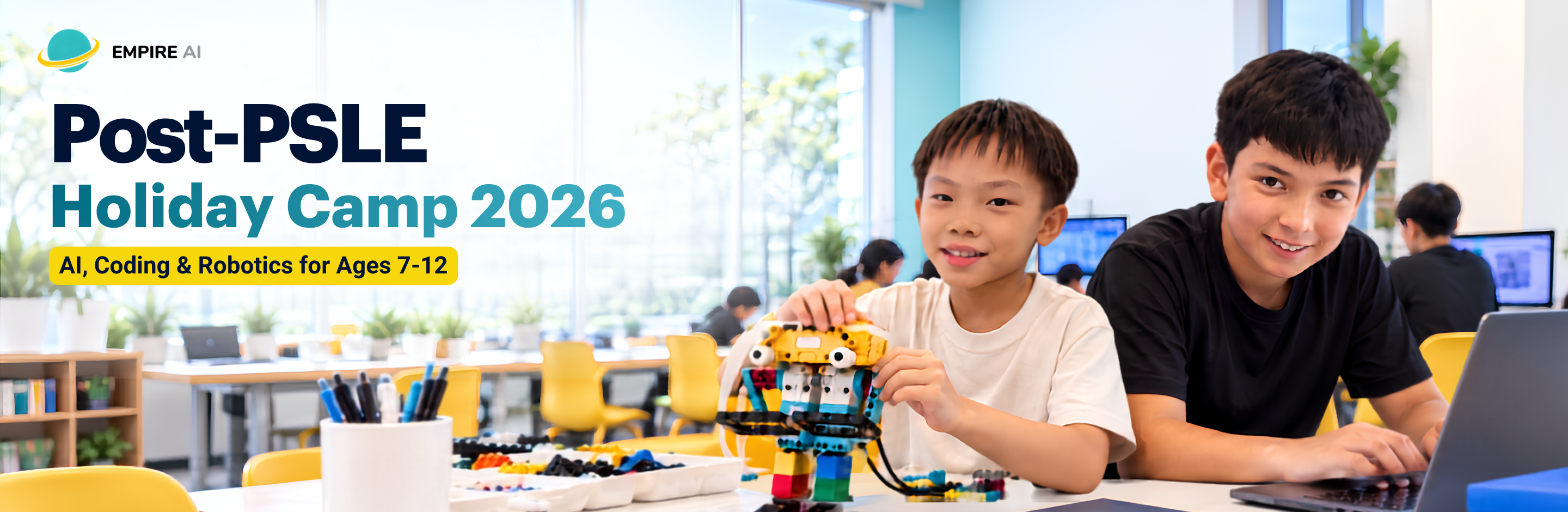
While other kids scroll, yours will be building – and thinking.
Post-PSLE Holiday Camp 2026 AI, Coding & Robotics Camps for Ages 7-12
Looking for meaningful post PSLE activities after the exams? Choose from 8 project-based PSLE holiday programmes for ages 7-12, from coding and robotics to Minecraft, Roblox, app development, 3D design and digital art. 12 to 14 October 2026 at Novena or River Valley, 9.30am to 4pm, with lunch and snacks included.
Choose a camp your child will enjoy
Start with your child’s age, then choose what they would most enjoy creating – from coding and robotics to Minecraft, Roblox, apps, 3D design and digital art. Most camps are beginner-friendly, with Unity and Arduino offering a step up for older students.
Why parents choose Empire AI for holiday camps
After months of exam preparation, the PSLE parents holiday dilemma is familiar: give children a proper break while still finding something fun and meaningful to do. Our camps balance both through hands-on projects, small-group guidance and plenty of creating. Empire AI is MOE-registered and was founded in 2016.
Build, Don’t Just Watch
Children create games, apps, robots, digital art and 3D designs instead of sitting through lectures.
Small-Group Guidance
Camps are capped at 8 children per trainer, giving students more support while they build and troubleshoot.
Learn Through Projects
Each camp works towards something your child creates, codes, designs or builds themselves.
Something to Show for It
Every camp ends with a completed project and Certificate of Completion your child can keep as part of their learning portfolio.
Camp dates, times and centres
All 8 camps run over 3 full days, 12 to 14 October 2026, from 9.30am to 4pm. Lunch and snacks are included. Choose Novena or River Valley when you register.
Novena
151B Thomson Road, Level 3, Goldhill Shopping Centre, Singapore
Walking distance from Novena MRT
Lunch 12.00pm – 1.30pm
Afternoon 1.30pm – 4.00pm
River Valley
8 Mohd. Sultan Road, #03-01, Singapore
Walking distance from Fort Canning MRT
Lunch 12.00pm – 1.30pm
Afternoon 1.30pm – 4.00pm
Pitch, Present & Market Your Project
On Wednesday, every camp includes a dedicated 2-hour session built around the project your child created during camp. This session is part of the 15-hour camp schedule. Students learn how to explain their idea clearly, present it with confidence and think about how to introduce it to an audience.
Present with confidence
Practise voice projection, eye contact, posture and clear delivery while presenting to others.
Pitch a real project
Turn the game, app, robot, artwork or design they built into a short, engaging project pitch.
Think like a marketer
Name the project, think about its audience and learn the basics of positioning and simple branding.
The goal is not only to build something, but to learn how to explain it, present it and make the idea easy for others to understand.
Explore all 8 camps
Each camp is project-based. Compare what your child will make, what they will learn and the level before choosing.
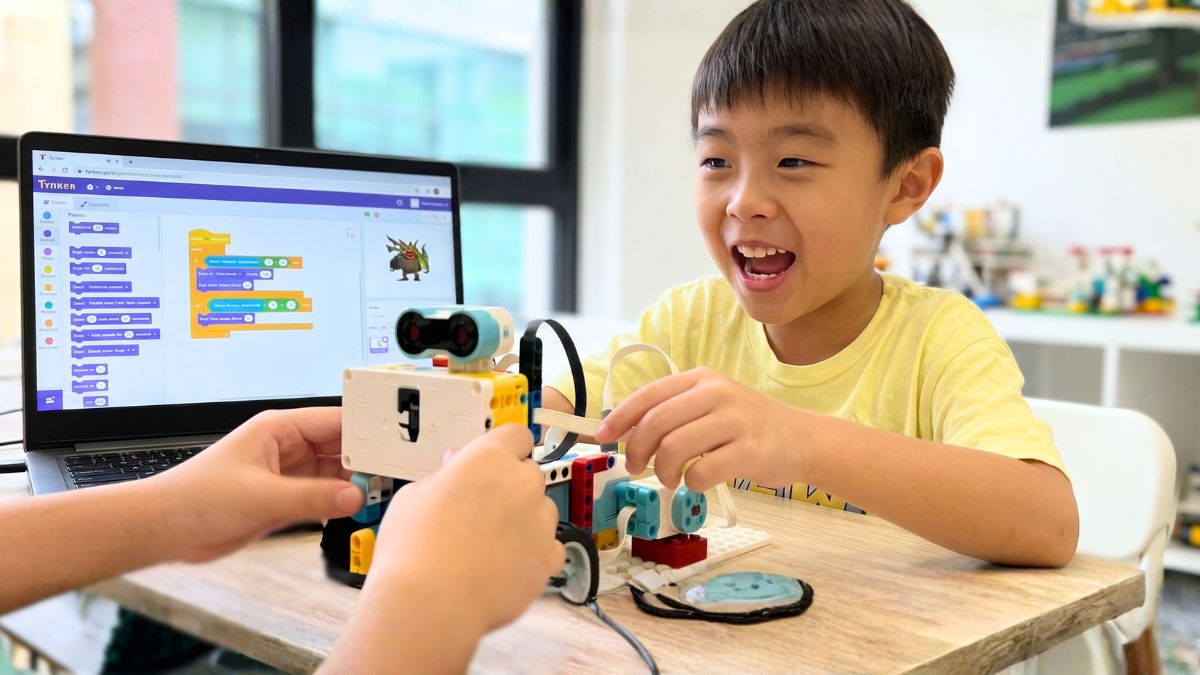
Code & Build: AI Starters
Ages 7 to 12 · Coding, AI Tools & LEGO Robotics · Tynker / Scratch + LEGO
A strong first camp for kids who want both coding and robotics. They create games in Tynker or Scratch, then build and program LEGO robots to move, sense and respond, with an introduction to everyday AI tools.
See what they’ll learn
- Coding concepts: Sequences, loops and events through progressive projects.
- Stories & games: Build interactive mini-games in Tynker or Scratch.
- LEGO robotics: Build and program robots to move, sense and respond.
- AI tool exploration: A first hands-on taste of everyday AI tools.
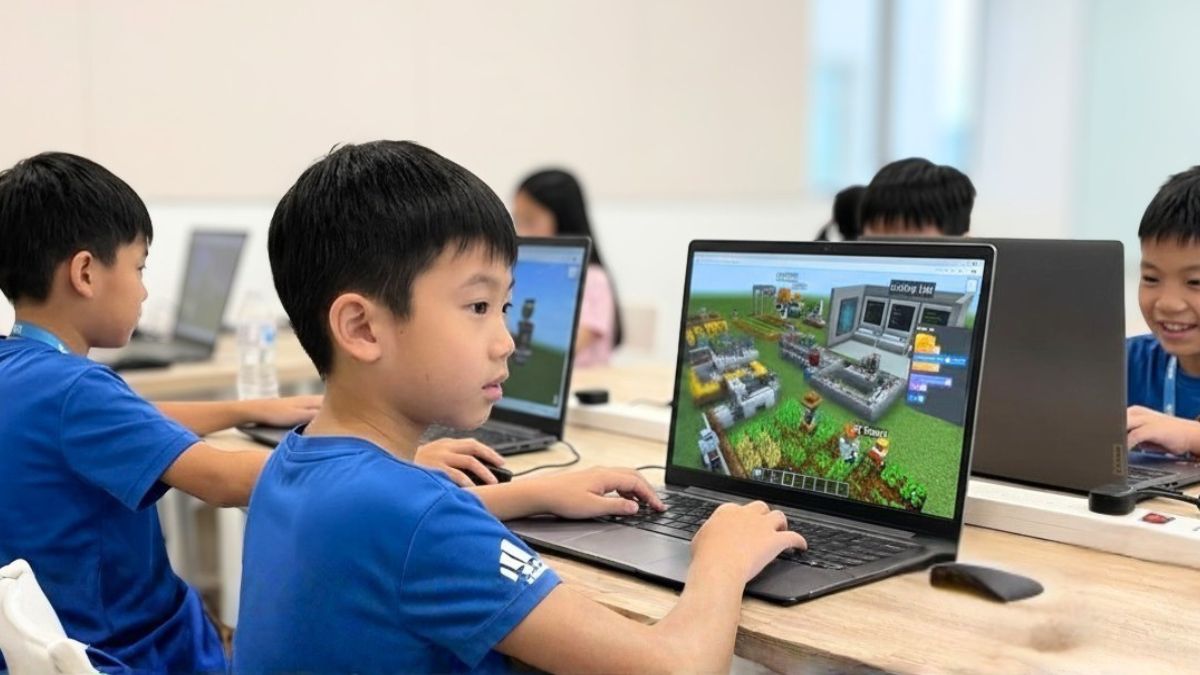
Minecraft with STEAM & AI – Level 1
Ages 7 to 9 · Build, Code & Design in Minecraft Education
Turn Minecraft from a game into a coding project. Using Minecraft Education, students build interactive worlds, program characters and game systems, and use coding and automated behaviours to create challenges of their own.
See what they’ll learn
- AI game design: Add automated behaviours and logic to Minecraft worlds.
- Block-based coding: Use sequences, loops, conditionals and events to program in-game systems.
- NPC programming: Code characters with conditional responses.
- Game mechanics: Build scoring, win/lose conditions and interactive challenges.
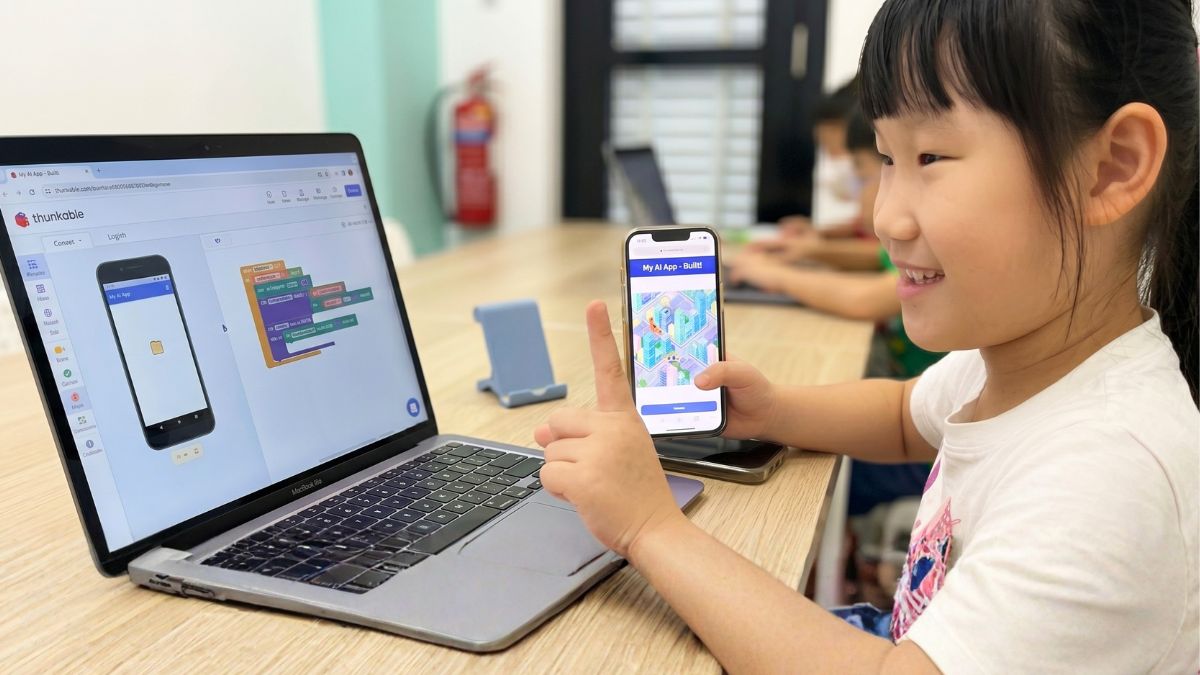
App Development with AI
Ages 7 to 9 · Build Real Mobile Apps with AI
Start with an idea and turn it into a working mobile app. Students plan the interface, build it in Thunkable or MIT App Inventor, then add features such as image recognition, voice or smart recommendations before testing it on a real device.
See what they’ll learn
- Design & wireframing: Plan interfaces and map app flows before coding.
- Thunkable / App Inventor: Build cross-platform apps in visual, block-based tools.
- AI integration: Add image recognition, voice or smart recommendations.
- Finish & present: Package and present a completed app.
Digital Art with Procreate
Ages 7 to 12 · Holiday Art Camp for Kids · Procreate on iPad
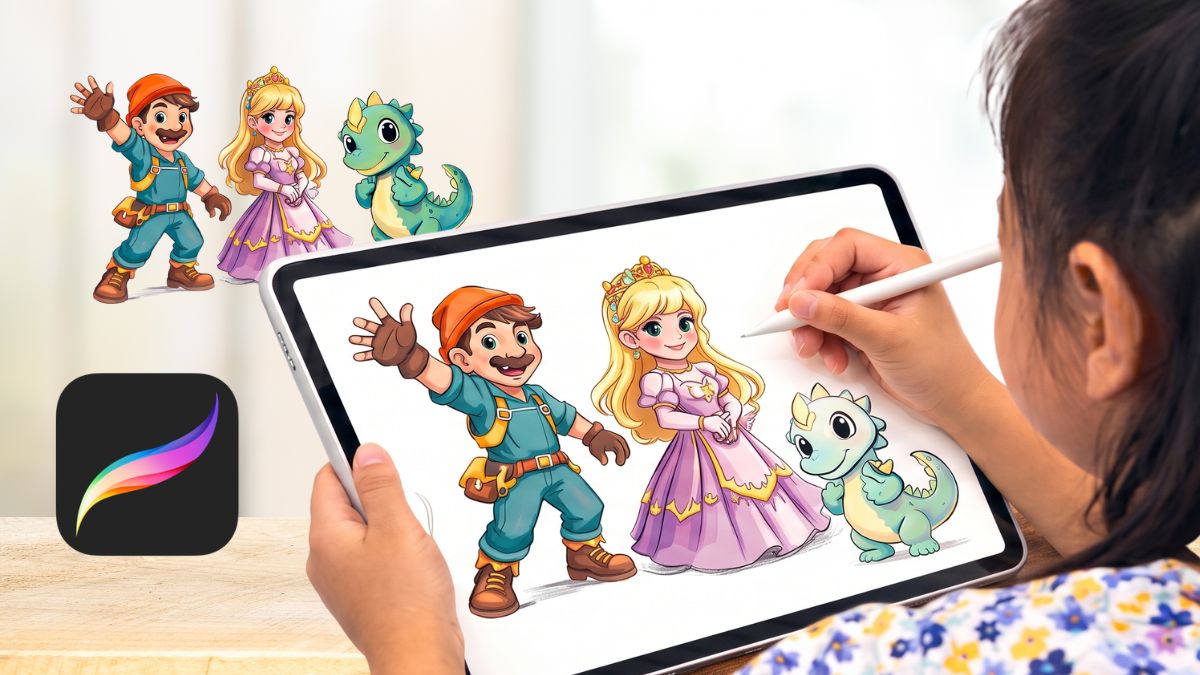
A hands-on holiday art camp for children in Singapore who enjoy drawing and design. In this holiday art program in Singapore, students use Procreate on iPad to sketch, build layers, design characters, add colour and effects, and finish with digital artwork they can export and keep. It is an art camp built around making, experimenting and developing a finished piece of their own.
See what they’ll learn
- Draw with Procreate: Sketch and layer digital artwork on iPad.
- Design characters: Create an expressive, themed character.
- Colour digitally: Apply shading and effects with Procreate tools.
- Export finished work: Save completed pieces to keep or share.
3D Printing with Tinkercad & Blender
Ages 7 to 12 · Design, Model & 3D-Print Your Own Creations
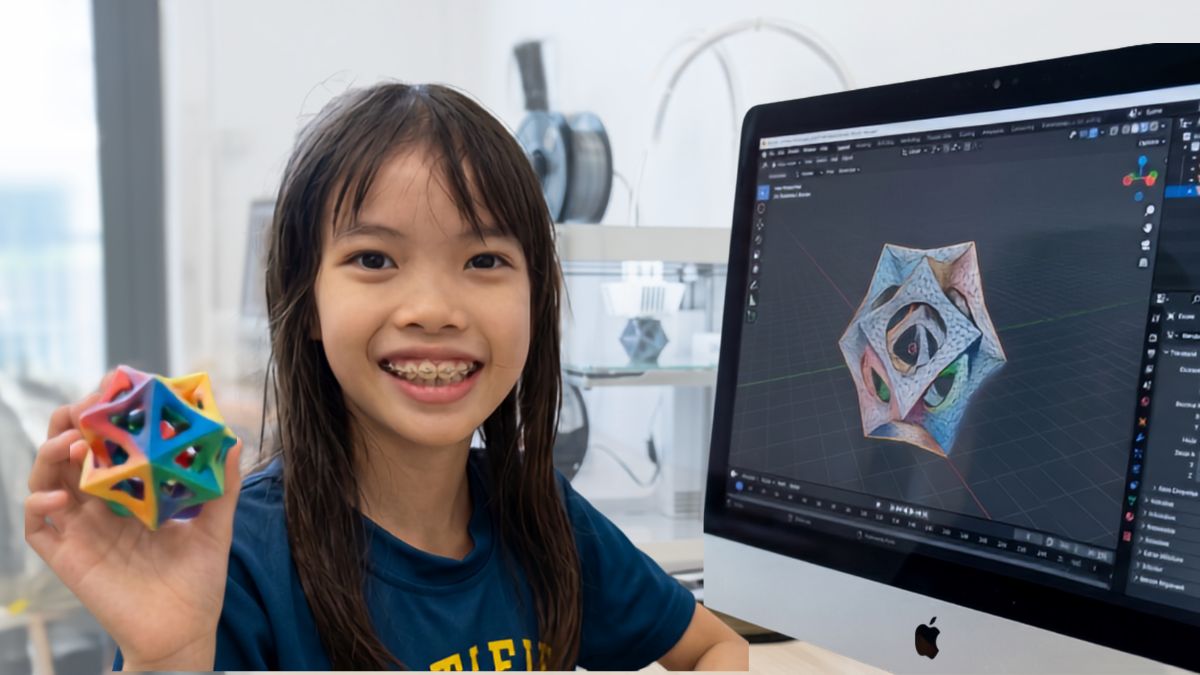
Design something on screen, then take home the printed result. Ages 7-9 use Tinkercad, while ages 10-12 step up to Blender, learning shape, scale and 3D modelling before preparing their own design for printing.
See what they’ll learn
- 3D modelling fundamentals: Learn shape, scale, proportion and design intent.
- Tinkercad or Blender: Use the tool matched to your child’s age and level.
- Design to print: Prepare files and 3D-print on our in-house printer.
- Take-home project: Bring home a physical object designed from scratch.
Roblox Coding & Game Design Level 1
Ages 10 to 12 · Code, Design & Publish a Roblox Game with AI
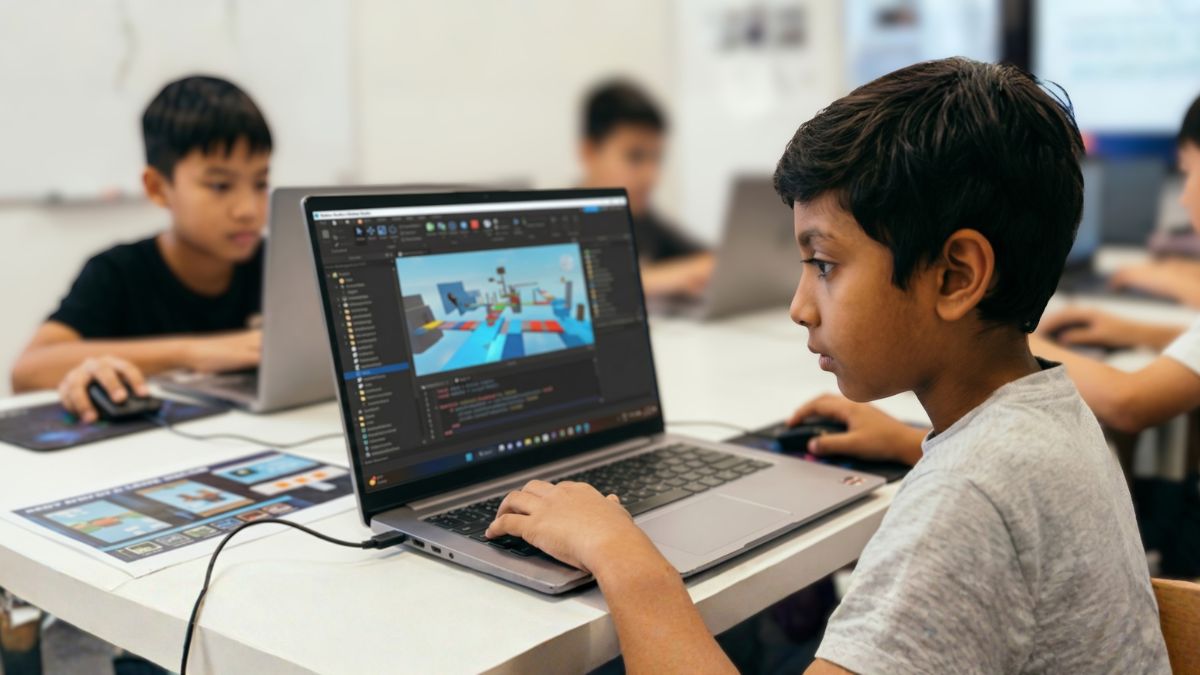
Move from playing Roblox to making one. Students use Roblox Studio and Lua to code interactions, build game mechanics and design their own world, with AI tools supporting ideas, assets and debugging before they test and publish their game.
See what they’ll learn
- Lua programming: Write code in Roblox Studio for behaviour and interactions.
- AI-assisted design: Generate ideas and assets, and use AI to support debugging.
- World building: Design maps, obstacles and game spaces.
- Publish your game: Test, finish and share a completed Roblox game.
Unity 3D Game Development
Ages 10-12 · Build a Real Game with Unity & C#
For kids ready to move beyond block coding. Students learn core C# concepts, then use their code inside Unity to control game behaviour and build and play-test a working 2D or 3D game.
See what they’ll learn
- C# coding basics: Variables, conditions, loops, arrays, methods and classes.
- Think in algorithms: Write small programs before moving into the game engine.
- Into the Unity engine: Learn how C# scripts control game behaviour.
- Build a real game: Create and play-test a working 2D or 3D project.
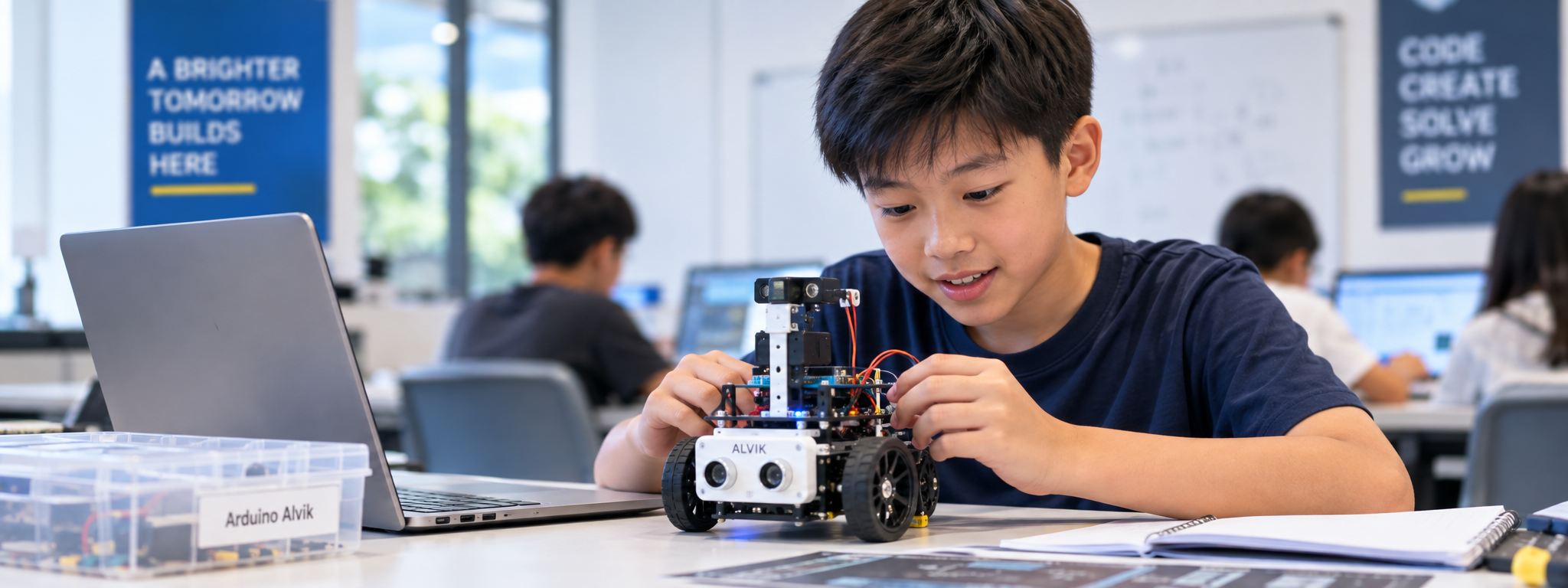
Robotics with Arduino Alvik
Ages 11-12 · Real Robotics with Python & MicroPython
Program a robot that moves in the real world. Using Arduino Alvik and MicroPython, students progress from movement and obstacle detection to line following and an autonomous soccer challenge over three days.
See what they’ll learn
- Arduino & MicroPython basics: Use the Arduino Nano ESP32 and Python for robotics.
- Obstacle detection – Day 1: Control movement and use the ToF distance sensor.
- Line following – Day 2: Use infrared sensors to code and test a line-following robot.
- Autonomous soccer – Day 3: Add a servo motor and code the robot to play soccer on its own.
Google Reviews




Simple, transparent camp pricing
Choose whether to bring the device required for your child’s camp or add device rental. Early bird is $100 off per camp before Sunday 4 October 2026. A 10% sibling or referral discount can be combined with the Early Bird rate. If both apply, the total extra discount remains 10%.
Bring Your Own Device
- One 3-day camp at Novena or River Valley
- Lunch and snacks provided daily
- Bring the device required for your camp – laptop or iPad
- Certificate of Completion
- Take-home or completed project, depending on the camp
Device Rental Included
- One 3-day camp at Novena or River Valley
- Lunch and snacks provided daily
- Laptop or iPad provided as required for the camp
- Certificate of Completion
- Take-home or completed project, depending on the camp
Sibling & Referral Discount
- Siblings: 10% off for all children in the same booking
- Referrals: 10% off for you and the friend you refer
- A sibling or referral discount can be combined with Early Bird, but sibling and referral discounts do not stack
- Applies to any camp
- Enter the referrer’s name at registration, or WhatsApp us
Ready to register?
Choose your camp and preferred centre in the form below. Your registration is confirmed once you submit the form, and we’ll WhatsApp you within 1 business day with payment details.
Post-PSLE Holiday Camp FAQ
When and where is the camp?
Monday 12 to Wednesday 14 October 2026, 9.30am to 4pm each day – 3 full days, 15 hours in total. The camp runs at both Novena and River Valley on the same dates. Please arrive by 9.20am for a 9.30am start.
What ages and experience levels are suitable?
The camps are for ages 7 to 12. Most are beginner-friendly and do not require prior coding or AI experience. Unity 3D Game Development and Robotics with Arduino Alvik are beginner-to-intermediate options for older students.
How big are the classes?
Each camp is capped at 8 children per trainer.
Is lunch provided?
Yes. Lunch and snacks are provided each day. Your child should bring a water bottle.
Can you accommodate food allergies or dietary requirements?
Yes. Please include your child’s food allergies or dietary requirements in the registration form so our team can make the necessary arrangements for lunch and snacks.
What device should my child bring?
If you choose the bring-your-own-device option, bring the device required for the selected camp. Most camps use a laptop, while Digital Art with Procreate uses an iPad. If you choose device rental, the required laptop or iPad is provided.
What if my child is sick and misses a day?
Let us know and we’ll do our best to help your child catch up.
What is the refund or rescheduling policy?
Fees are non-refundable, but if your plans change you get one free reschedule to another available Empire AI camp, subject to availability.
Will my child finish with a project and certificate?
Yes. Every camp ends with a completed project and a Certificate of Completion your child can keep as part of their learning portfolio.
How do sibling and referral discounts work?
Siblings receive 10% off for all children in the same booking. For friend-referrals, both your family and the new family you refer receive 10% off. A sibling or referral discount can be combined with the Early Bird rate, but sibling and referral discounts do not stack. Enter the referrer’s name during registration or contact us on WhatsApp.
How do I register?
Use the registration form above or WhatsApp us at +65 8145 5004. You can choose your camp and preferred centre during registration.